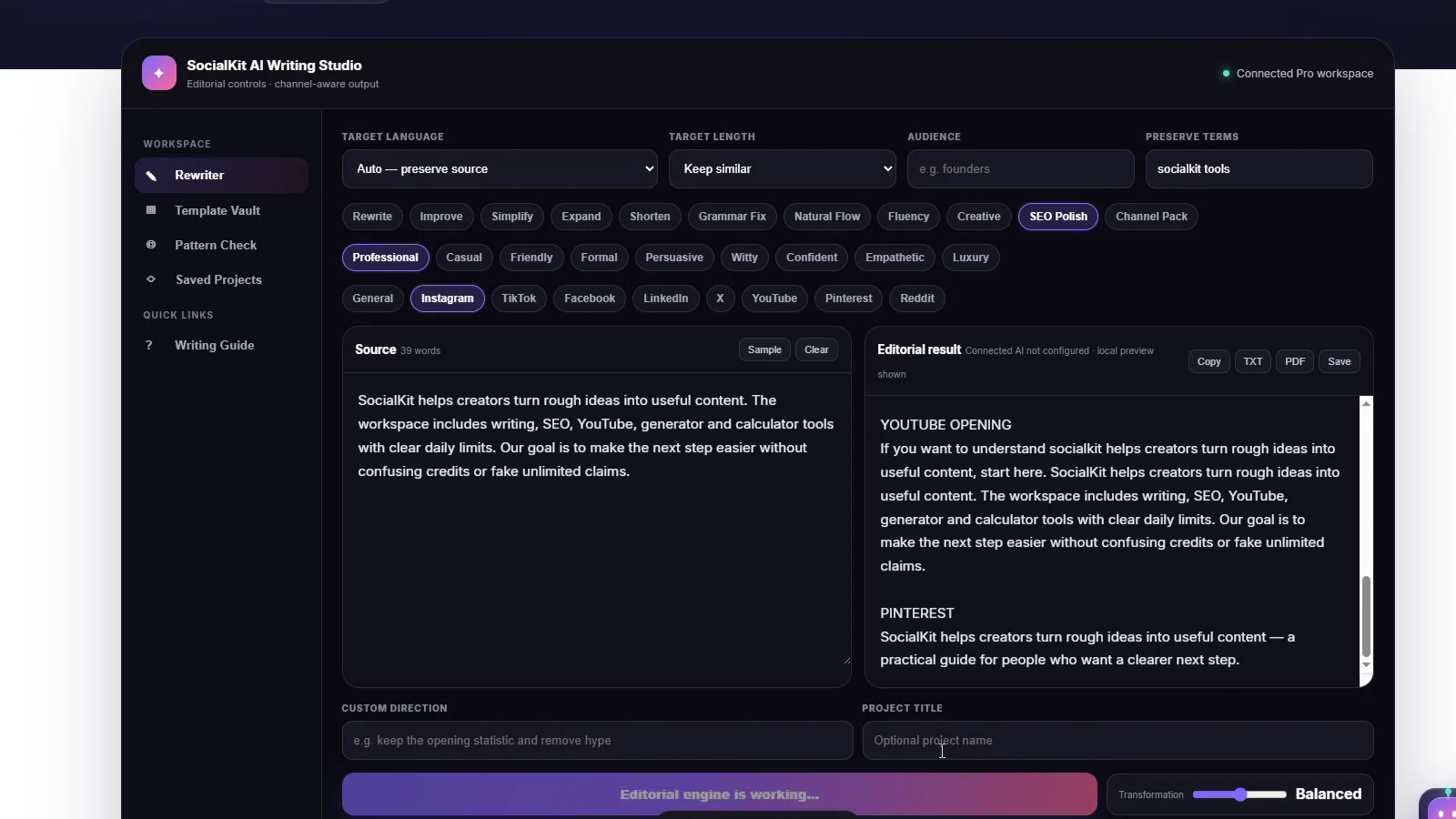
How to create stronger content with SocialKit AI Writer
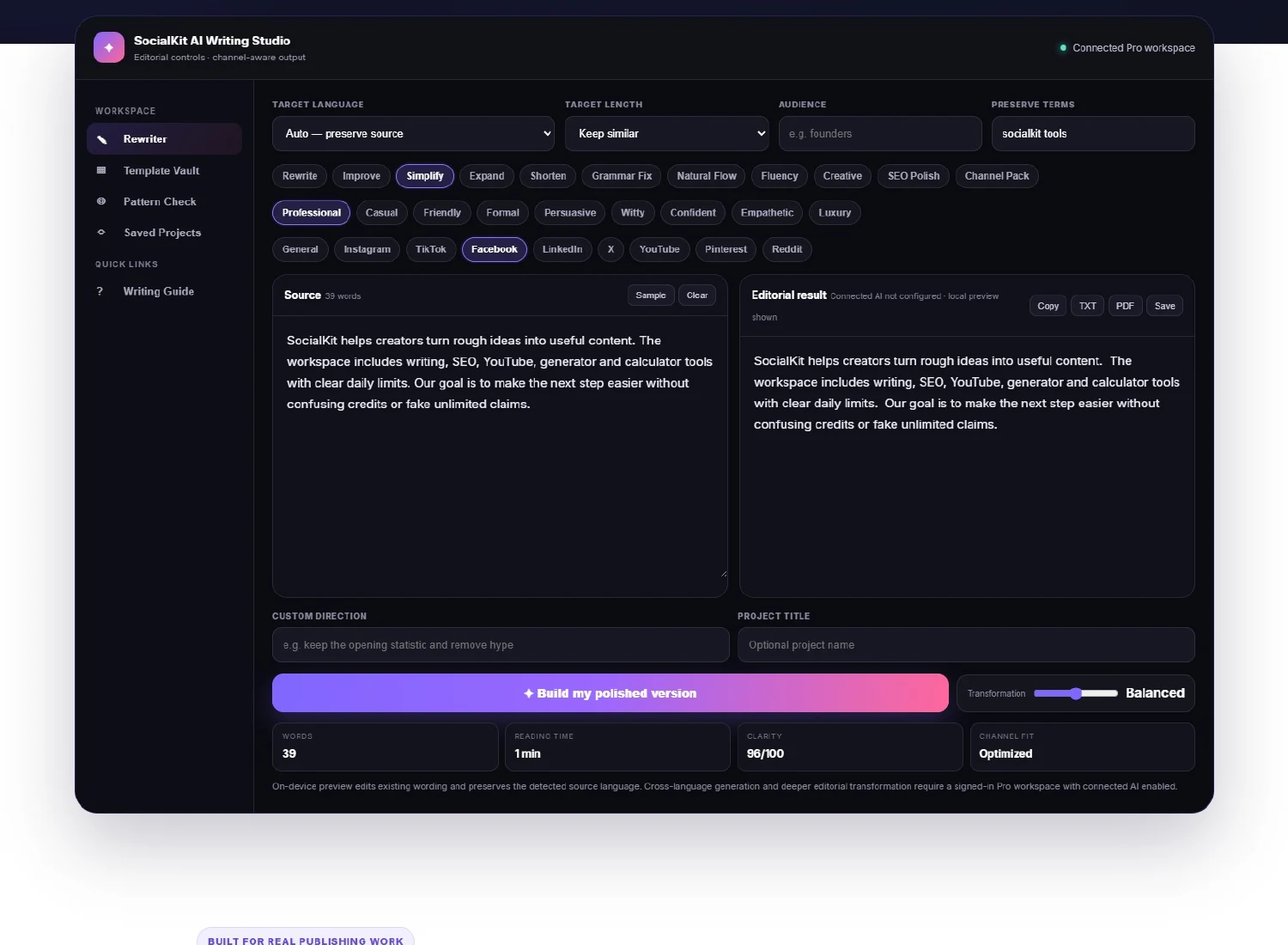
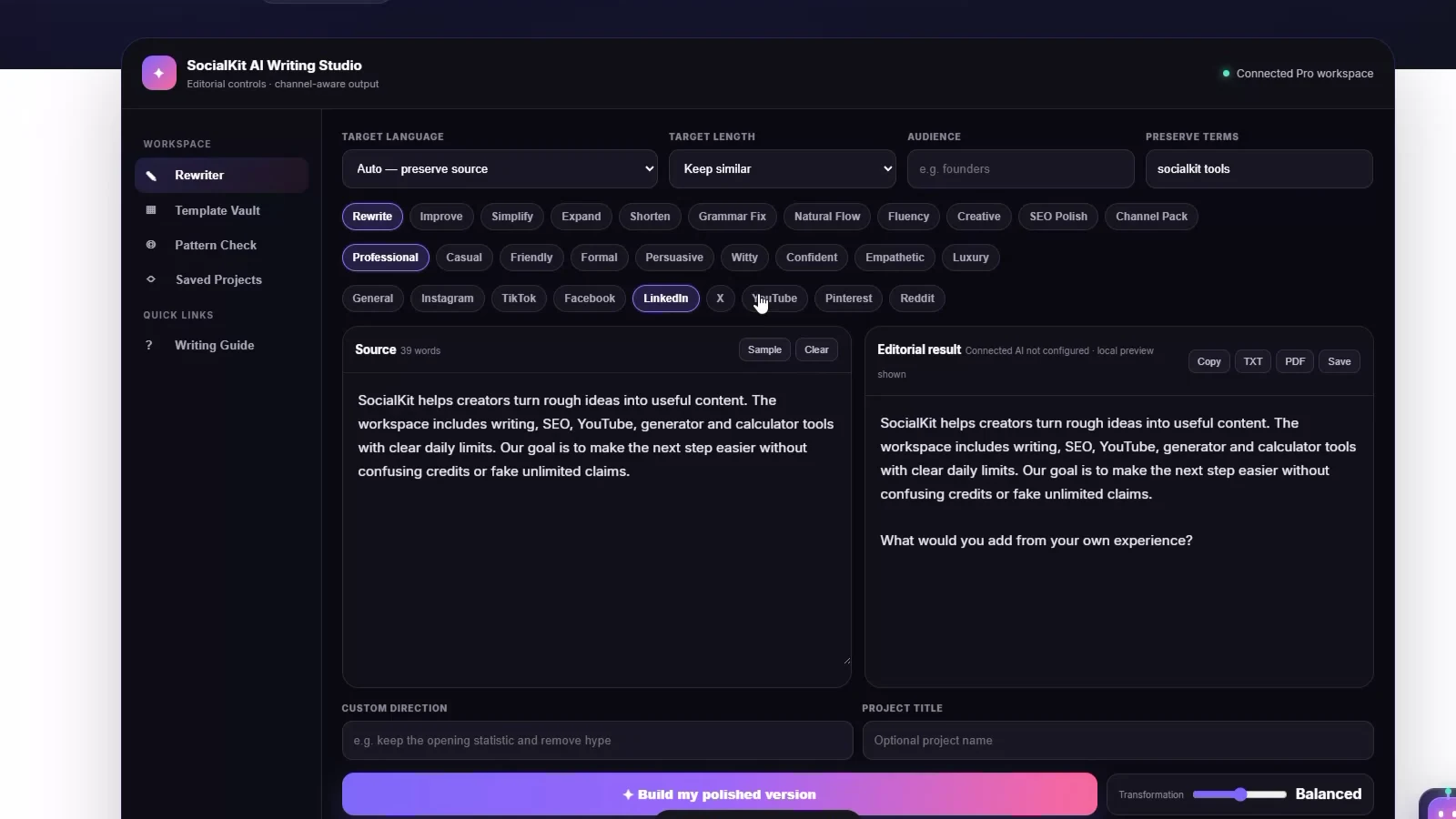
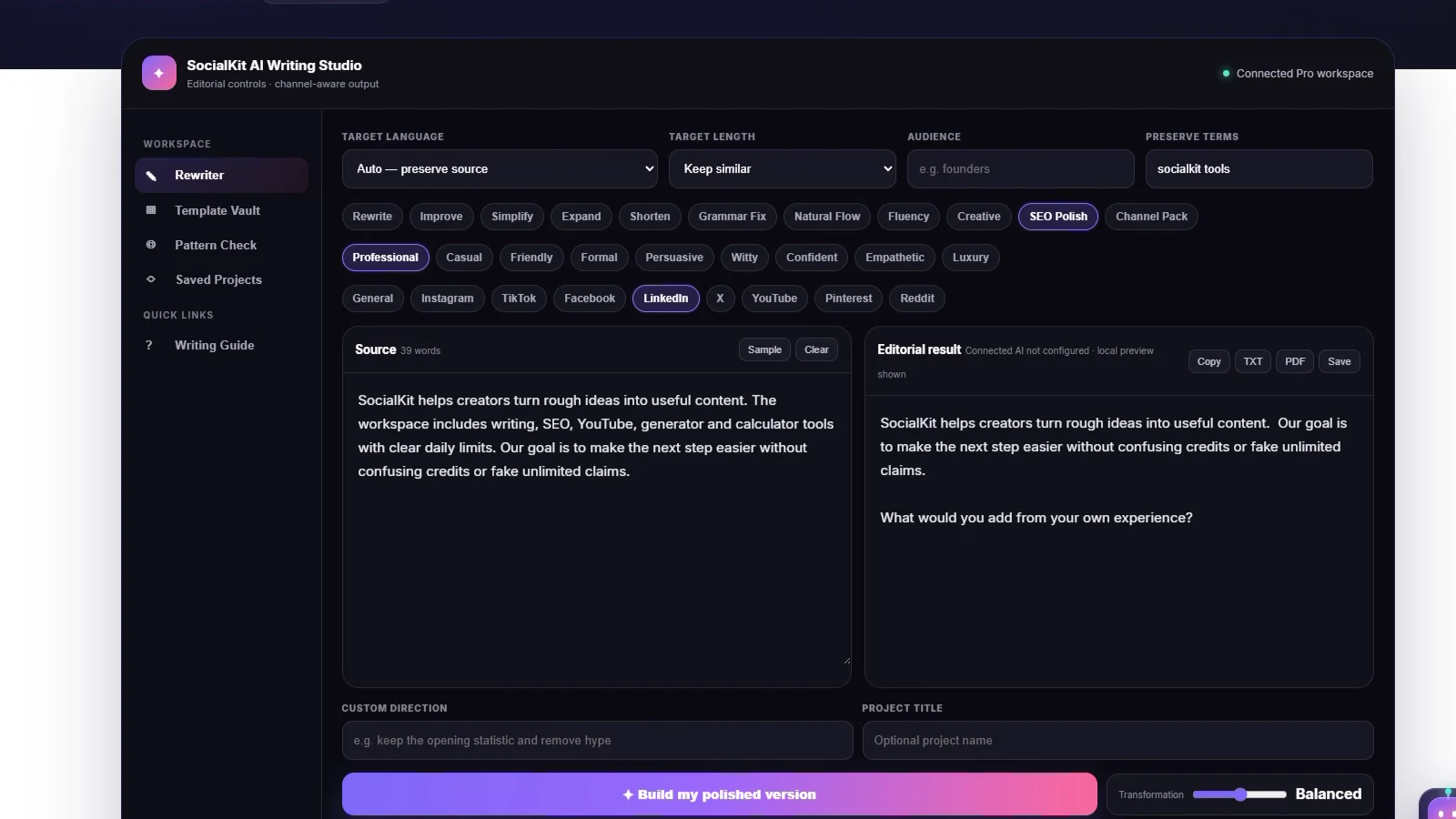
Begin with a complete source, select the job you want done, and tell the editor who will read it. Use Preserve Terms for names, keywords and legal wording that should not drift. Balanced transformation is the right default; choose Precise for sensitive copy or Transform for a larger structural change.
What can be included inside the AI Content Rewriter?
- Emails, captions, scripts, product descriptions, article sections and professional updates.
- Grammar repair, simplification, expansion, shortening, natural-flow editing and SEO-aware structure.
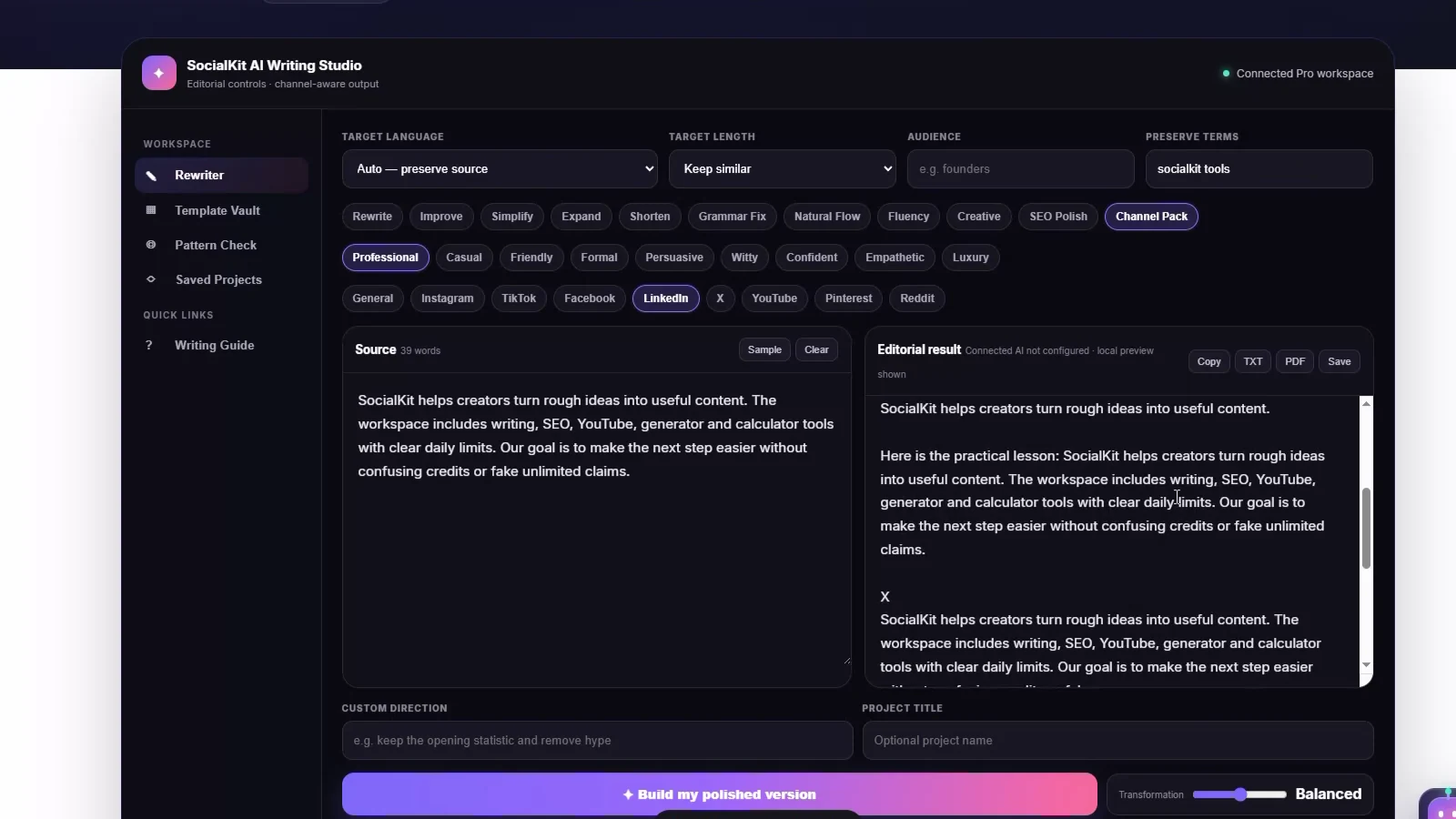
- Platform formatting for Instagram, TikTok, Facebook, LinkedIn, X, YouTube, Pinterest and Reddit.
- A Channel Pack that creates multiple useful publishing directions from one source.
How language support works
The language selector sends the chosen target language to the connected AI engine. If a visitor is using the on-device preview, SocialKit edits the existing wording without pretending to translate it. This keeps the free preview useful and makes the difference between local editing and connected generation clear.
Read the complete AI Writer guide →
Does the guest preview really process my text?
Yes. It performs a limited on-device edit in the browser. A subscribed member can use connected AI when the site owner has configured the provider.
Can it rewrite content into another language?
Connected AI receives the exact selected target language. The local guest editor preserves the detected source language and tells you when cross-language generation needs connected AI.
Can any tool guarantee human or undetectable writing?
No. SocialKit does not promise detector evasion. Pattern Check is a transparent writing-quality heuristic, and the final result still needs human review.
Will subscribers keep seeing purchase prompts beside results?
No. Active paid members get workspace controls, usage status and upgrade options. Purchase prompts are intended for guests and free accounts.